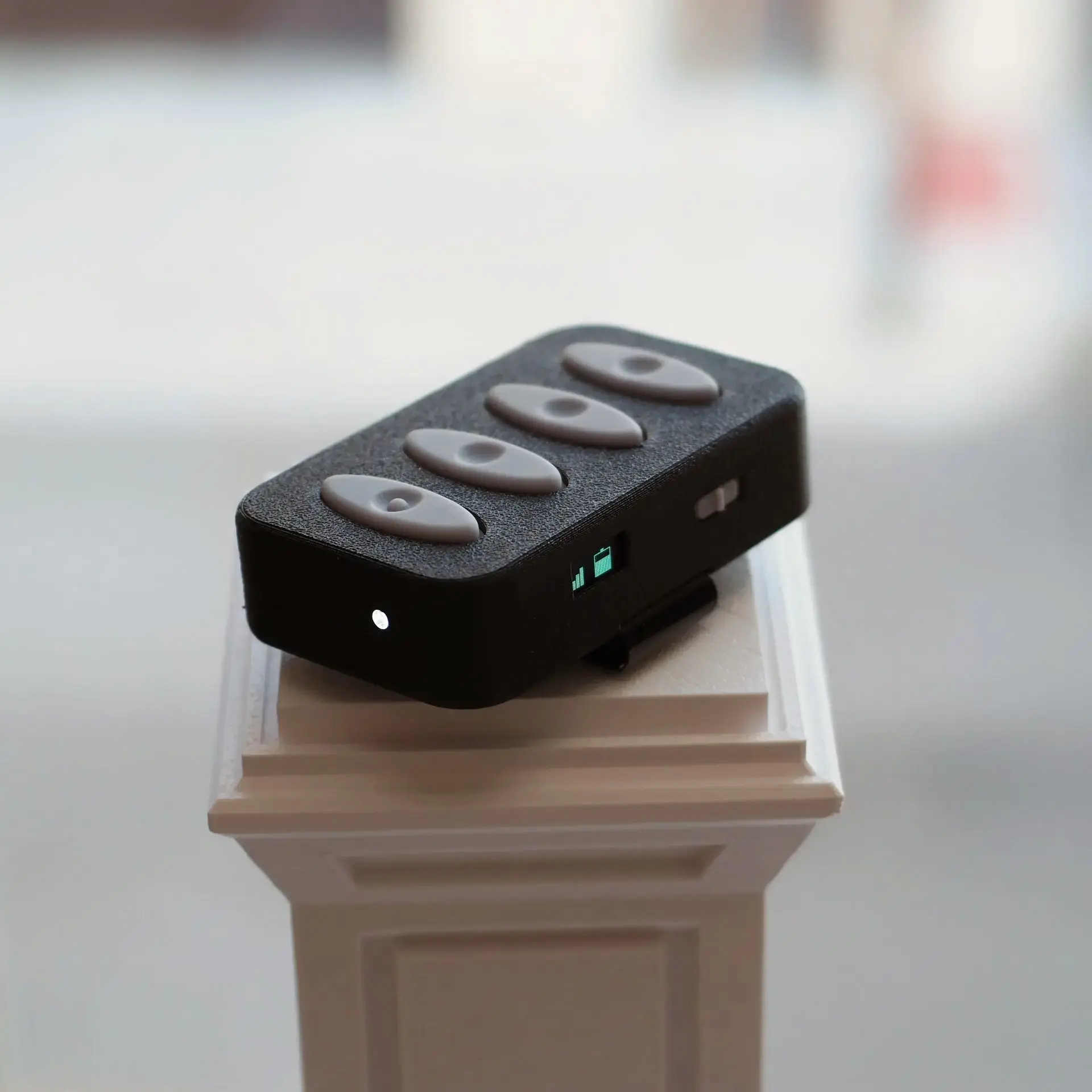
The Midian Prime™ is like a slideshow clicker for musicians. Control your DAW software wirelessly, from anywhere onstage!
Only $195!
“If you’re looking for a simple, portable, and reliable MIDI remote, the Midian Prime is a fantastic option.” –Kurtis Parks, Worshipology Podcast Host
What does it actually do?
Lots of DAW software can be controlled with MIDI signals. For example, software applications like Ableton Live and Logic Pro can use MIDI signals to start tracks, start recording, or jump to a specific part of a track. The Midian Prime is like a slideshow clicker, but specifically for DAW software. It provides a discreet, convenient way to control your software from anywhere.
Robust
Provides eight trigger notes that can be mapped to functions in your preferred software.
Discreet
Clips easily to pockets, belts, and guitar straps, ensuring distraction-free performances.
Wireless
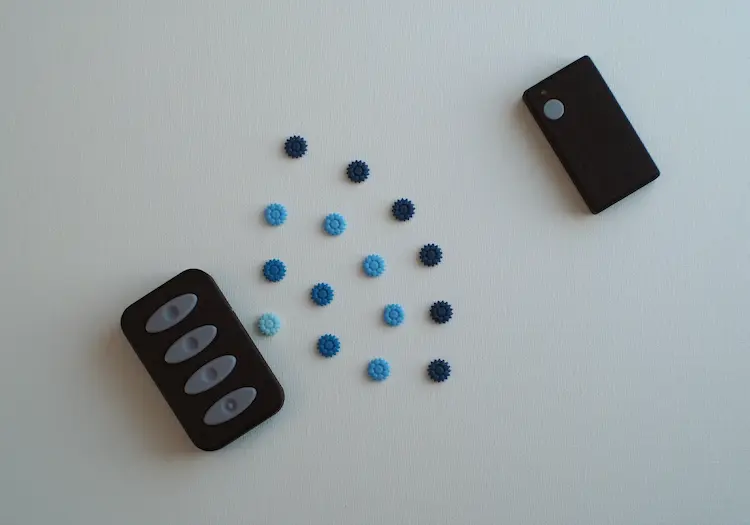
Communicates at over 100 yards away using RF wireless technology (line of sight).
Compatible
Compatible with popular software applications like Ableton Live and Prime MultiTrack.
Plug & Play
Connects to any USB-C host as a generic MIDI device, no additional software required.
Rechargeable
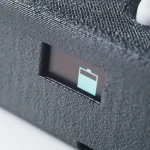
Recharges conveniently via USB-C and lasts over four hours. Can also be charged during use!

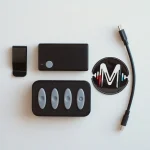
The Midian Prime was designed specifically for controlling DAW software in both live and studio environments.
There are three common ways to control DAW software in live and studio environments. Interact with a laptop, use a desktop MIDI controller, or use a MIDI foot controller. The issues with these methods are that they add clutter, can be distracting to the audience, and tie you to one physical location.
The Midian Prime provides wireless freedom, allowing you to move around on stage on in the studio without losing control of your software. It also provides a discreet way to control software that doesn’t distract the audience or add clutter to your setup. That’s what we like to call Gear Simplified.
Only $195!
“I absolutely love the Midian Prime!! It has worked flawlessly for hundreds of uses in 3-4 different scenarios I have thrown at it in the last 6 months! Battery life is stellar and range is unbelievable for its class. I appreciate its simplicity and how it worked right out of the box with all my audio programs.” -Josiah D, Worship Leader
Supported Software:
- Ableton Live
- Logic Pro
- Prime Multitrack App
- PreSonus Studio One
- Stage Traxx
- EasyWorship
- ProPresenter
- And more!
Connecting a Midian Prime:
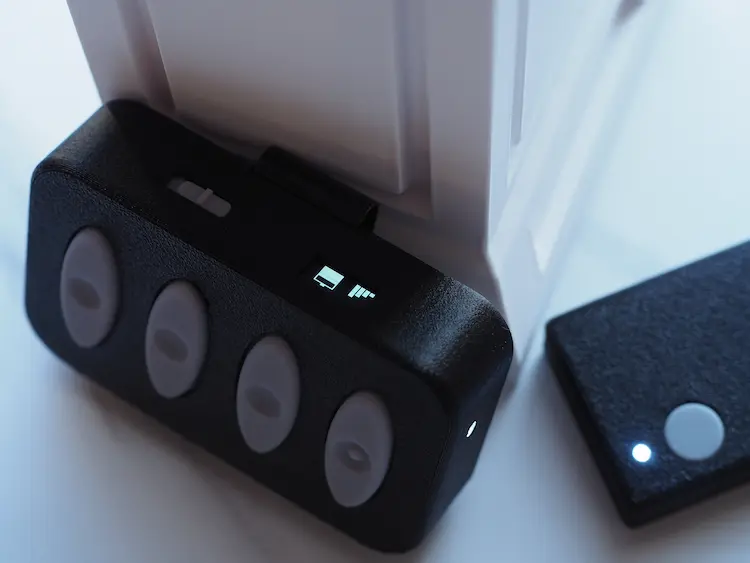
The Midian Prime comes in two parts: a transmitter and a receiver. To use with a computer, tablet, or phone, simply use the provided USB-C cable and plug in the receiver (shown right). The receiver acts as an oversize mouse dongle, providing reliable wireless communication for up to 300ft (line of sight). The transmitter will automatically connect to the receiver, and that’s it! You are ready to start sending MIDI to your software, no extra driver required.
Use Case Example
One of our customers actually used the Midian Prime while teaching music to kids at a camp. His band would teach the kids the different parts and then replace them one by one to play with the band. For example, a kid learning drums would get to be subbed into the band and play drums with them. During this process, he would constantly have to start and stop tracks. Also, because he was teaching, he was always moving around the room. The Midian Prime allowed him to maintain control of the software and stay engaged with the kids without having to constantly walk over to his laptop.
Got a question about how to use the Midian Prime with your setup?
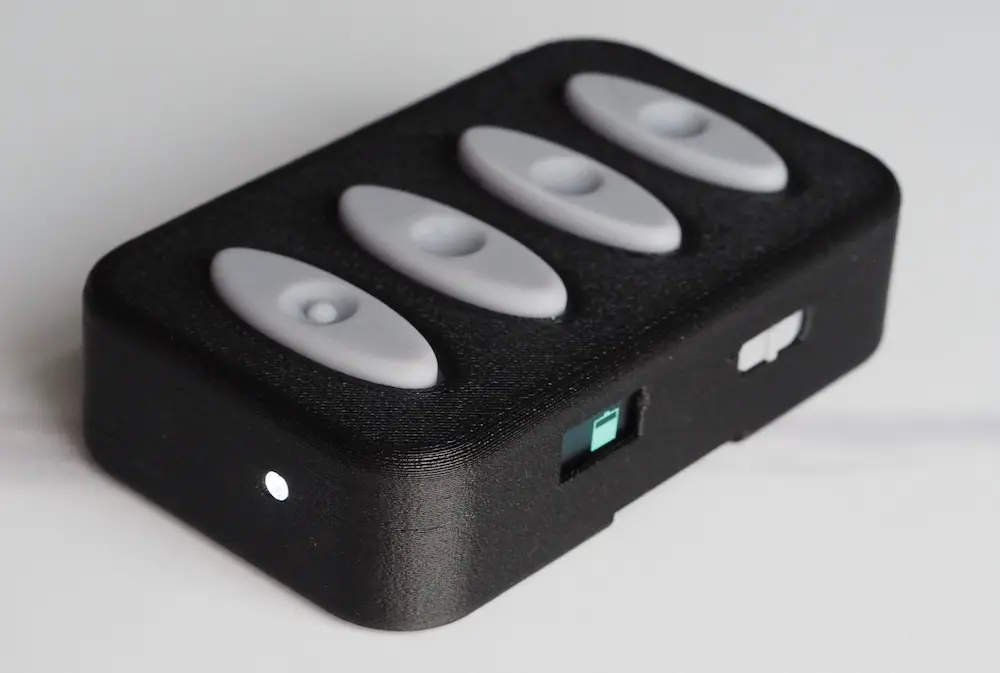
Technical Details:
- 4 intuitive trigger buttons
- Long press functionality delivering 8 mappable MIDI controls at once
- Support for MIDI notes, control changes, and program change messages
- Small OLED display showing battery life and signal strength
- Device power and connectivity indicator USB-C charging port
- Durable glass fiber PET-G casing
- Removable steel belt-clip
Only $195!
Get tips and product updates straight to your inbox!


